
IPTV has become one of the most popular ways to watch television online. Instead of relying on traditional cable or satellite services, IPTV lets you stream TV channels and on-demand content directly through the internet. If you’re new to this technology, learning how to setup IPTV might seem complicated at first. However, with the right tools and a few simple steps, anyone can start streaming quickly.
In this guide, you’ll learn how to setup IPTV, what you need before getting started, and how to configure it on different devices.
What Is IPTV and How Does It Work?
Before learning how to setup IPTV, it’s helpful to understand what IPTV actually is. IPTV stands for Internet Protocol Television. It delivers television content over an internet connection instead of through cable or satellite signals.
Unlike traditional TV broadcasting, IPTV allows users to stream content whenever they want. Most IPTV services provide:
- Live TV channels from around the world
- Video on Demand (VOD) such as movies and series
- Catch-up TV that lets you watch previously aired programs
Because everything runs through the internet, you only need a stable connection and a compatible device to start watching.
Requirements for How to Setup IPTV
To successfully learn how to setup IPTV, you need a few basic things prepared beforehand. Without these, the setup process won’t work properly.
1. Stable Internet Connection
A strong internet connection is essential. For smooth streaming, most IPTV providers recommend at least 10–25 Mbps depending on the video quality.
2. IPTV Subscription
You will need a subscription from an IPTV provider. Once you subscribe, the provider usually sends you one of the following:
- M3U playlist link
- Xtream Codes login details
- Portal URL
These credentials allow the IPTV player to access the channels.
3. Compatible Device
IPTV works on many different devices, including:
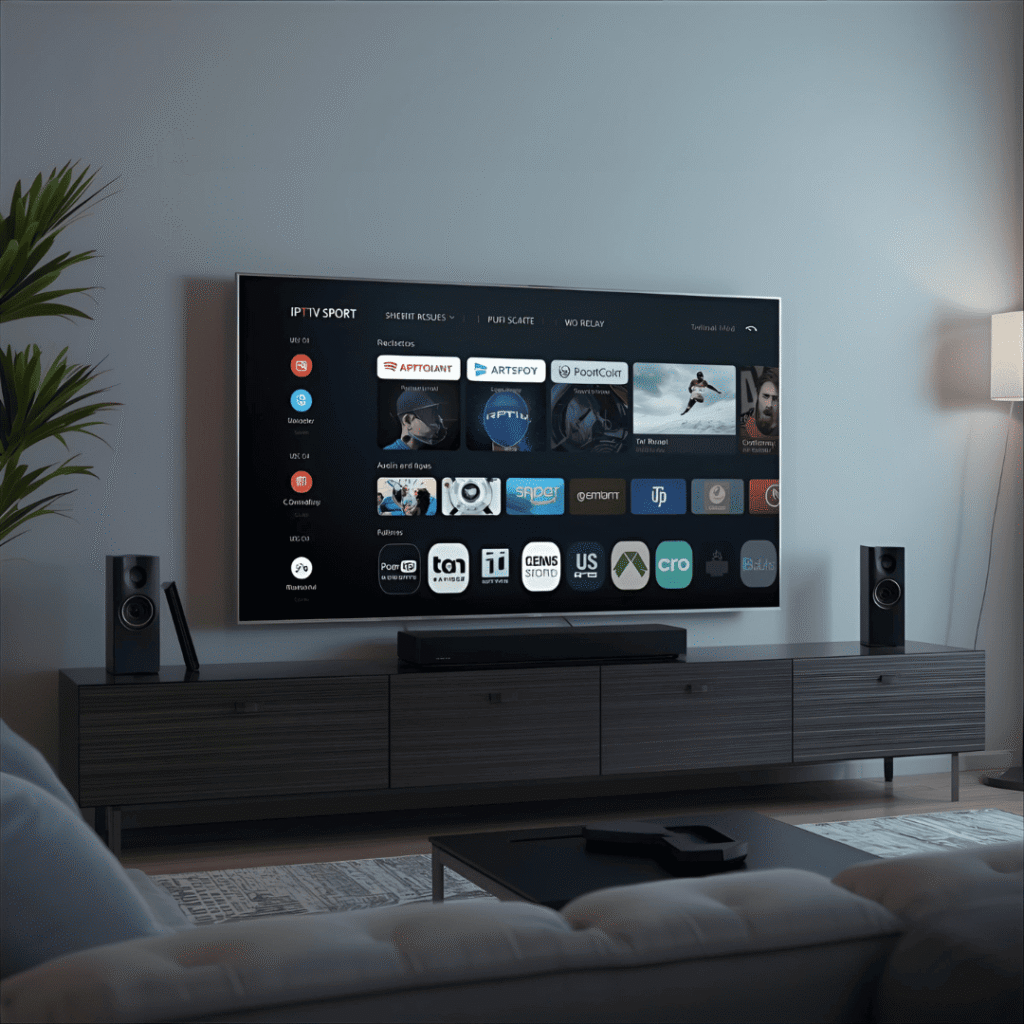
- Smart TVs
- Android TV boxes
- Amazon Firestick
- Smartphones and tablets
- PCs or laptops
4. IPTV Player Application
The IPTV service itself does not always include a player. You must install an app capable of loading IPTV playlists.
How to Setup IPTV on Different Devices
One of the advantages of IPTV is its flexibility. You can stream content on many devices, and the setup process is usually similar.
How to Setup IPTV on Smart TV
Smart TVs are among the easiest devices to configure.
- Open the TV’s app store.
- Download an IPTV player app.
- Launch the app after installation.
- Enter your M3U playlist URL or Xtream Codes login.
- Save the settings and refresh the channel list.
After completing these steps, your IPTV channels should appear in the app.
How to Setup IPTV on Firestick
Many users prefer streaming IPTV on Firestick because it turns any TV into a smart streaming device.
- Go to the Firestick home screen.
- Install the Downloader app.
- Use Downloader to install an IPTV player.
- Open the IPTV player.
- Enter your IPTV login information or playlist URL.
Once the playlist loads, you can browse channels and start streaming immediately.
How to Setup IPTV on Android Phones or Tablets
Mobile devices are another convenient option for watching IPTV.
- Open the Google Play Store.
- Search for an IPTV player application.
- Install and open the app.
- Add your IPTV playlist or login credentials.
- Wait for the channel list to load.
After that, you can watch IPTV anywhere with an internet connection.
How to Setup IPTV on PC or Laptop
If you prefer watching TV on your computer, IPTV works there as well.
- Download a media player that supports streaming playlists.
- Open the player and find the Open Network Stream option.
- Paste your M3U playlist URL.
- Load the playlist and start watching channels.
This method is simple and works on both Windows and macOS devices.
Best IPTV Apps to Use
Choosing the right IPTV player can make a big difference in your streaming experience. Here are some popular options many users rely on:
- IPTV Smarters – user-friendly interface with support for multiple playlists
- TiviMate – advanced features designed for Android TV devices
- Smart IPTV – commonly used on Smart TVs
- VLC Media Player – a free and reliable option for computers
Most of these apps support both M3U playlists and Xtream Codes logins.
Common Problems When Learning How to Setup IPTV
While the setup process is usually straightforward, beginners sometimes face a few issues.
Channels Not Loading
If channels don’t appear, check that your playlist link or login details were entered correctly.
Buffering or Lag
Buffering is often caused by slow internet speeds or overloaded servers. Using a wired connection can improve stability.
Invalid Playlist Link
Some IPTV playlists expire or become inactive. Contact your provider if your playlist stops working.
App Crashes
Make sure your IPTV app is updated to the latest version.
Tips for the Best IPTV Streaming Experience
Once you understand how to setup IPTV, a few extra tips can help you enjoy smoother streaming.
- Use high-speed internet whenever possible.
- Connect devices using Ethernet instead of Wi-Fi for better stability.
- Restart your IPTV app occasionally to refresh channels.
- Keep your device and apps updated.
These small adjustments can greatly improve streaming quality.
Final Thoughts on How to Setup IPTV
Learning how to setup IPTV is easier than most people expect. With a reliable internet connection, an IPTV subscription, and a compatible device, you can start streaming live TV and on-demand content within minutes.
The process usually involves installing an IPTV player, entering your playlist or login details, and loading the channels. Once everything is configured, you’ll have access to a wide range of entertainment right from your device.
As IPTV technology continues to grow, more viewers are switching to internet-based television for its flexibility and convenience. By following the steps in this guide, you should now have a clear understanding of how to setup IPTV and enjoy seamless streaming at home or on the go.